Question: My Memory Card Needs Formatting, Format It
or Not?


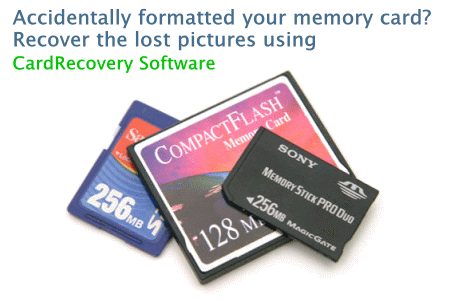 Since memory card is a type of storage
media which can be used in many digital devices, we can format a memory card easily on any device. Most digital devices become more and
more intelligent and have more and more functions; we can easily find the
format option on many digital device, such as digital camera, smartphone
(mobile phone, cell phone), etc. When we accidentally or knowingly press the
format button on any of those devices, the result is that the memory card
inserted in those devices will be formatted and data inside the memory card
will be deleted. If the memory card is connected to a PC, it is less prone to
perform a format on the card because it will ask you to confirm when you want
to format the card. However, once the card is formatted on a PC, it will also
lead data to be erased immediately from the card.
 Why do you use a memory card in your
cell phone or digital camera?
 Samsung Galaxy mobile
phone is one of the most popular Android phones in the world, which include
Samsung Galaxy S, Samsung Galaxy S2, Samsung Galaxy S3,
Samsung Galaxy S4, Samsung Galaxy Note2, etc. However, there is a problem that
every Samsung Galaxy user cannot ignore: Samsung Galaxy data loss problem. When referring to the causes for Samsung Galaxy
data loss, you may think of many reasons. However, today we will focus on formatted memory card recovery in Samsung Galaxy. What can you do if you accidentally
format the memory card in a Samsung Galaxy mobile phone?

